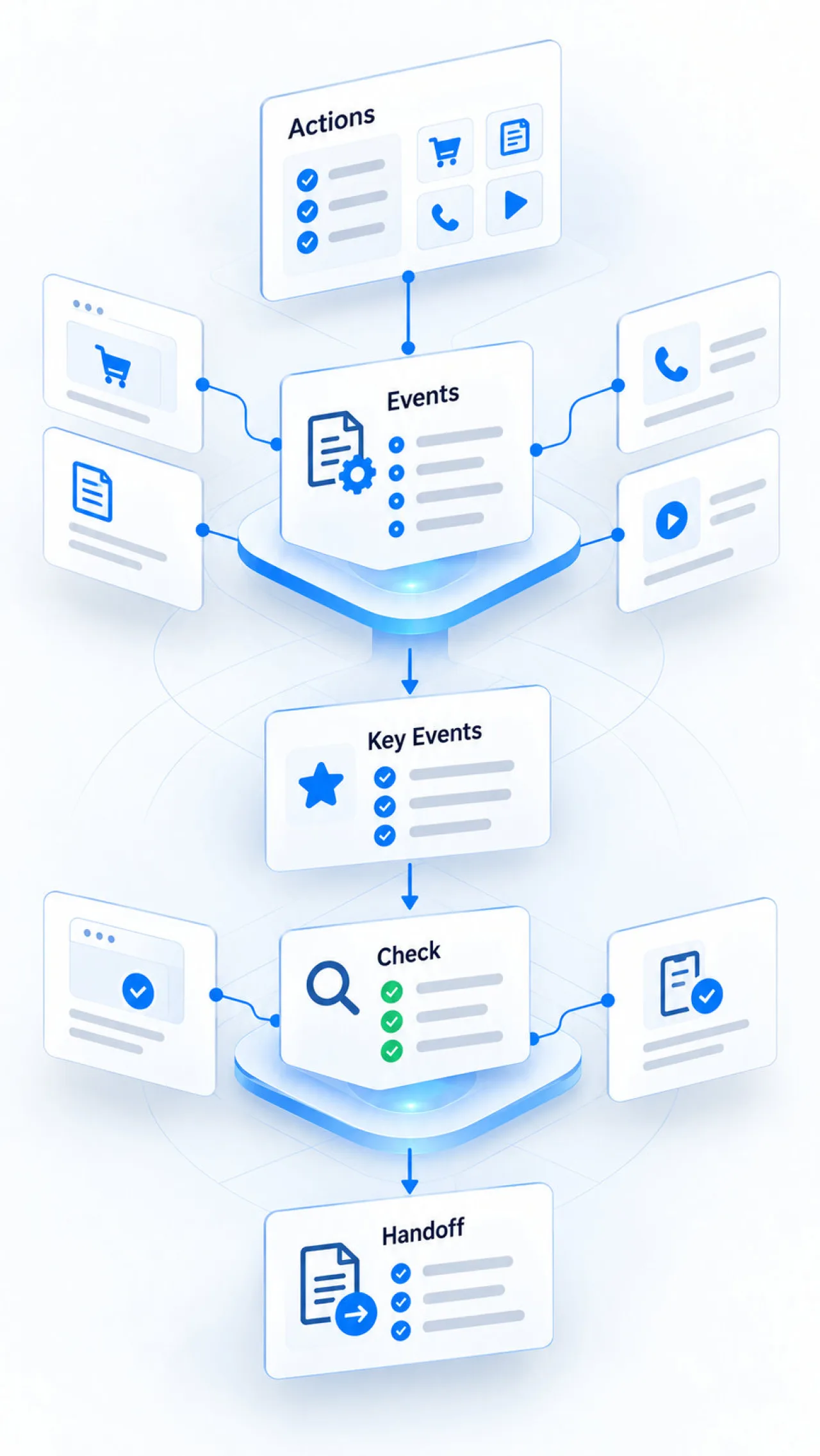
A small site can need a simple Analytics setup and still need useful measurement. We start with the actions that matter to you and choose a practical route to the correct GA4 property and stream. An appropriate existing Google tag, GTM container or native integration can be reused. We review overlapping collection paths before adding another tag, and explain any necessary replacement so useful configuration and historical continuity are preserved.
For each selected action, we agree both its business meaning and the condition the site can reliably expose. Clicking a telephone link measures a click; confirming a completed call needs a suitable additional source. A successful form submission is different from pressing Submit. Where relevant, checks cover rejected submissions, retries, confirmation reloads, SPA navigation and duplicate plugin or GTM paths. Purchase measurement uses the agreed order, value, currency and transaction information when the flow supports it; the checks address that implementation rather than promising universal deduplication.
In GA4, an event records an interaction and a key event marks one that is important to your business. Google Ads conversion actions have a separate advertising role. The configuration notes explain those roles so you can distinguish Analytics measurement from advertising conversion actions. Google Ads work is a separate process that we agree with you separately and may require an additional charge. We agree its scope, permissions and any additional charge before starting that work. This includes linking accounts, creating or importing advertising conversions, and changing attribution or bidding settings when those tasks are requested.
The setup follows your approved consent requirements and the selected permitted measurement mode. We connect the relevant existing controls and check the agreed states; a banner choice, browser storage and recipient behaviour are separate observations. The selected mode may allow measurements without cookies when storage is denied, so denied storage alone is not a promise of zero requests, anonymous processing or modeling. A new CMP and its full follow-up are separate products unless expressly included in a combined scope.
Validation follows the path from the site’s action signal or data layer through tag diagnostics and the permitted network activity to available recipient evidence. DebugView, Realtime and processed reports answer different questions; a request or collection response alone does not prove a completed lead, order or payment. We agree safe test conditions to protect business reporting, audiences and bidding. If a recipient or processed-report check cannot yet be completed, we record the reason, responsible owner and next action rather than declaring it passed or promising a universal reporting delay.
You receive the working accepted setup, event definitions, performed-check evidence and operating guidance in the agreed client-controlled accounts. A new property can be created within an authorized new setup. App, Firebase or native SDK work is assessed for the actual platform; broader ecommerce, cross-domain, infrastructure or application development is agreed when required. Connections already accepted as necessary are part of the result, and identical work in a combined engagement is counted once.
Before paid work, we agree the scope, result, access plan and charges, including any provider costs. Where a quote uses staff hours, it uses the scope, rate and billable hours agreed beforehand; actual staff time informs future estimates without an automatic charge adjustment. Our underestimation, inefficient work or introduced faults do not become extra charges or grounds to abandon the accepted result. Genuinely additional unforeseeable work arising through no fault of metricfixer is explained immediately and the next step jointly agreed before additional paid work. Later monitoring and new requirements need their own arrangements.