
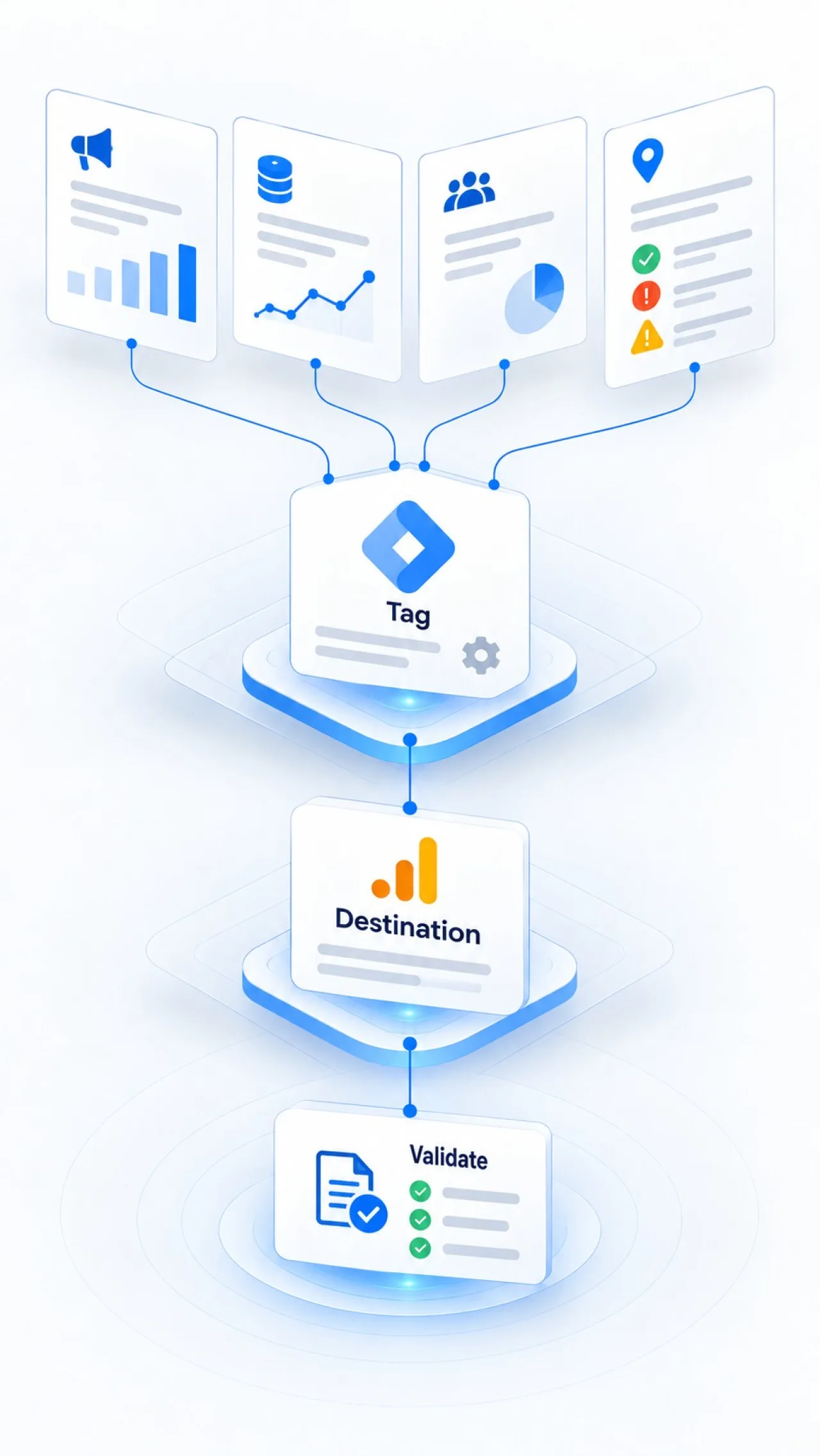
Add an Advertising or Analytics Tag in GTM

Connect one selected advertising or analytics destination to usable signals in your existing GTM setup.

One additional tag means one destination or platform integration, not literally one GTM Tag object. We configure the needed base and agreed event objects using suitable existing signals, then validate the available firing or receipt evidence.

  • One selected advertising or analytics destination integration
  • Base configuration and agreed event mapping using suitable existing signals
  • Available firing or destination-receipt validation with documented limits

Which destination do you want to add?

Tell us the advertising or analytics platform, required events, whether usable triggers or signals already exist, and the current consent state. We agree access and scope later; do not send passwords, private keys, API secrets or customer personal data.

You can upload multiple files.

Business hours: Monday–Saturday, 09:00–22:00 (Europe/Warsaw).

Send your request anytime — we’ll reply by email.

One destination, a practical GTM integration

  • Choose one platform

    Focus the work on one selected advertising or analytics destination.

  • Reuse suitable signals

    Use existing usable triggers, data and completed-action signals where they support the agreed events.

  • Configure what the platform requires

    A base tag, event tags and other required platform-specific objects can form one integration.

From platform choice to validation

  1. Confirm the destination and events

    We identify the selected platform, its agreed event needs and current usable signals.

  2. Configure the integration

    We set up the required base, configuration and agreed event objects in GTM.

  3. Check the available evidence

    We validate firing and, where available, receipt, while recording any platform limits.

A platform integration is not a literal object quota

One additional tag commercially means one destination or platform integration. A legitimate integration can require a base or configuration tag, one or more agreed event tags, and other platform-specific objects. It does not impose an artificial one-object limit.

The service is designed to reuse suitable existing triggers, signals and data. A major new dataLayer, new website signals, ecommerce data-layer implementation, server or API work, iframe tracking, substantial consent repair or a multi-platform rollout is separately scoped.

Platforms differ in capabilities and available validation. We do not imply that an event model, receipt signal or processing result is identical across every destination.

Add an Advertising or Analytics Tag in GTM

Add the destination that matters next

Describe the platform, events and signals you already have so we can confirm a useful integration scope.

Describe the platform

Jun 7, 2026 • Analytics & Conversion Tracking
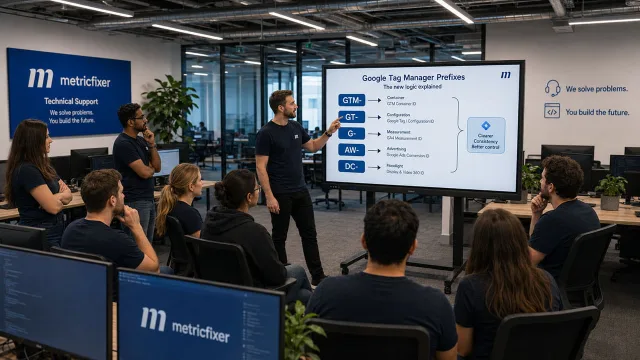
GTM-, GT-, G-, AW- and DC- in 2026

Google Tag Manager and the New Prefix Logic: GTM-, GT-, G-, AW- and DC- in 2026

Google’s 2026 tagging updates turn container prefixes into a runtime-governance issue. This review explains what GTM-, GT-, G-, AW-, DC-, and UA- mean, how Google tag and Google Tag Manager unification changes deployment assumptions, and what analytics teams should audit before restricted and full-capability modes drift out of sync.


Aug 18, 2026 • Analytics & Conversion Tracking

Why a Tag Fires in GTM Preview Mode but Not for Real Visitors

Why a Tag Fires in GTM Preview Mode but Not for Real Visitors

A network-first diagnostic workflow for finding why a Google Tag Manager tag fires in Preview Mode but fails for ordinary visitors, covering live versions, debug side effects, forms, consent, cookies, CSP, blockers, navigation timing, and platform processing.

Aug 1, 2026 • Analytics & Conversion Tracking

GA4 Event Appears in DebugView and Realtime but Not in Reports

Why a GA4 Event Appears in DebugView and Realtime but Not in Reports

Excerpt: Why a GA4 event can appear in Tag Assistant, DebugView, and Realtime but remain absent from the Events report, Explorations, custom dimensions, or key-event reporting—and how to diagnose the exact stage where it stops.