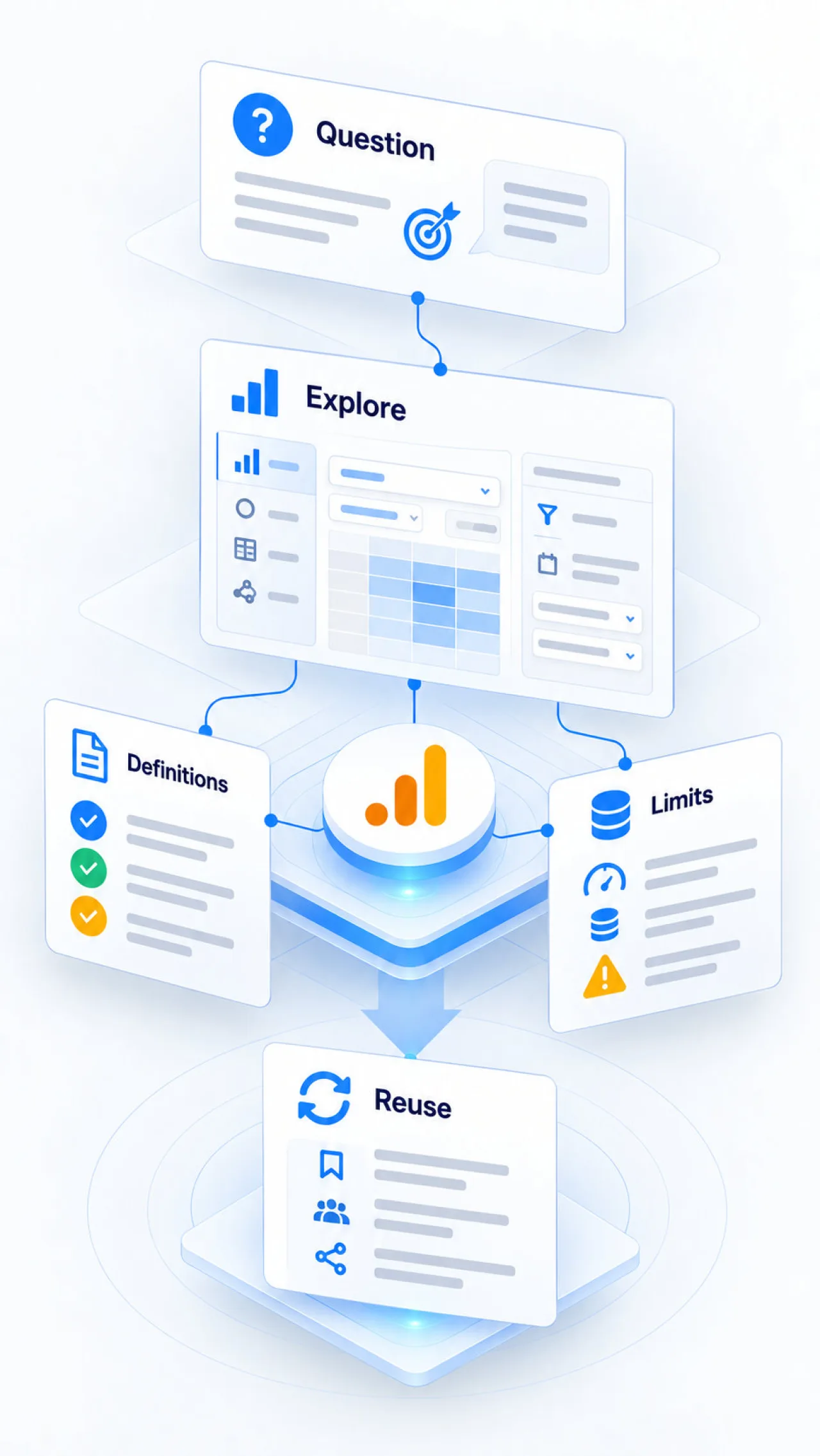
Sometimes you need to check a hypothesis or inspect a particular slice of Analytics data without commissioning a separate dashboard. This service builds the view in GA4’s Explore area. It can serve a one-off investigation or a repeat manual check, with a saved configuration you can reopen. A useful existing Exploration or template can be adapted instead of rebuilding the same work.
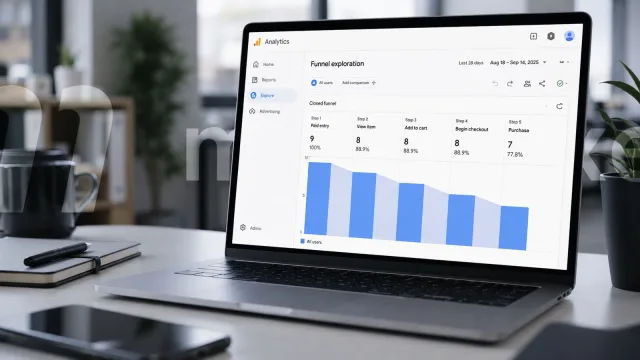
We agree the question and assess whether the property contains the data needed to answer it. Then we choose a suitable native technique and compatible metrics and dimensions, keeping user, session, event or item scope clear where relevant. Segments, filters and date settings are defined with the question. If a funnel is appropriate, its steps and entry, ordering and time assumptions are agreed rather than inferred from a drawing.
The view queries available data for its selected period. A relative date preset can query a different period when reopened; a custom fixed date range keeps the selected dates. An exported snapshot captures a particular result and is different from the saved configuration. The native view can therefore reflect newly available data without becoming an external hosted dashboard or an included scheduled reporting service.
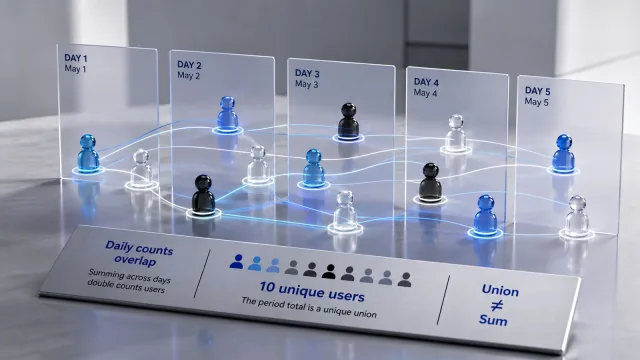
Availability depends on actual collection, retained history, field compatibility, access restrictions and processing. Sampling, thresholds, high-cardinality aggregation, reporting identity and modeling can also affect interpretation. An empty table does not automatically mean zero business activity, and a difference from a standard report or BigQuery export is not automatically an implementation defect. We document material limits and the next useful action; we do not invent missing values, recover uncollected data by assertion or weaken privacy controls to fill a table.
The handoff includes the actual saved Exploration and guidance for its definitions and use. Sharing gives authorized property users a view; it does not give them unrestricted editing of that shared original. Where agreed, we verify a supported duplicate or copy that the client can edit with their actual permissions. A cross-property configuration copy does not transfer source data or automatically create its custom definitions, segments or permissions. We confirm the practical access and reuse arrangement rather than promising ownership transfer or live co-editing.
You receive the saved configuration, relevant check notes, date and filter guidance and any unresolved access or data questions. A PDF or screenshot can support the explanation but is not the native product by itself. Creating missing collection, changing retention or privacy settings, building an external dashboard, enabling exports and providing ongoing analyst work are separate decisions. Necessary work already accepted in a combined scope is counted once.
Before paid work, we agree the result, access and data handling, handoff arrangement and charges, including relevant provider costs. Where a staff-hour calculation is agreed, scope, rate and billable hours are agreed first; actual time improves future estimates without an automatic charge adjustment. Our underestimation, inefficiency or defects remain our responsibility. Genuinely additional unforeseeable work arising through no fault of metricfixer is explained immediately and the next step jointly agreed before additional paid work. Future questions or platform changes are assessed separately.